Moscow Street Racing Arcade
About the Game
Description
Game Introduction
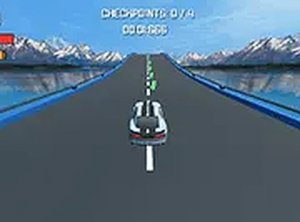
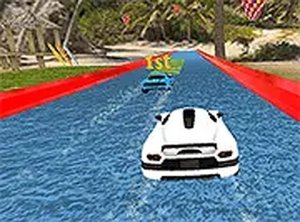
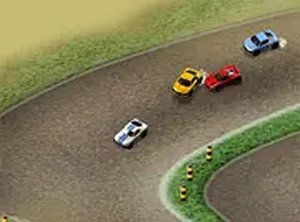
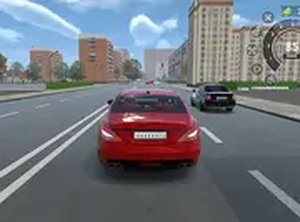
Race On Cars in Moscow Online Arcade Game is a fast-paced driving experience set in a bustling city environment. Players take the wheel of a car and navigate through busy streets, aiming to complete missions and earn rewards. The game focuses on quick reflexes and strategic upgrades, offering an engaging challenge for fans of racing and driving games. It is playable directly in a web browser on both desktop and mobile devices, requiring no downloads for immediate access.
How to Play
Players control their car using keyboard or touch controls to steer through traffic. The main objective is to avoid collisions with other vehicles while completing various missions to earn in-game currency. Success depends on quick reactions and careful timing to dodge obstacles and stay on the road. As players progress, they can use earnings to improve their car's performance, such as speed and handling, which helps tackle more difficult challenges. The controls are designed to be intuitive, making the game accessible to players of all skill levels.
Game Features
Key features include fast-paced driving through city streets, traffic dodging that tests reflexes, and a mission-based system that provides clear goals. Car upgrades allow players to enhance speed and handling, adding a strategic layer to the gameplay. The game may include a variety of missions and challenges to keep the experience fresh. Full-screen mode is available to enhance immersion. As an arcade-style racing game, it emphasizes quick sessions and immediate fun.
Tips for Success
To succeed in Race On Cars in Moscow, players should focus on maintaining a steady speed and anticipating traffic patterns. Planning moves ahead helps avoid sudden crashes. Upgrading the car's handling early can make dodging easier. Practicing regularly improves reaction times and familiarity with the city layout. Prioritizing mission completion over reckless speed ensures steady earnings for upgrades. Staying calm under pressure and avoiding aggressive driving will lead to longer runs and higher scores.
❓ Having issues?
✅ This game supports: - Desktop browsers (Chrome, Edge, Safari) - Mobile browsers (Chrome on Android, Safari on iOS) ❌ Does NOT support: - Internet Explorer - Very old browser versions 👉 Try refreshing or updating your browser