Creative Coloring Fun Online Game
About the Game
Description
Game Introduction
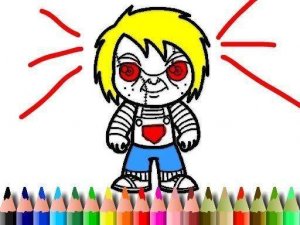
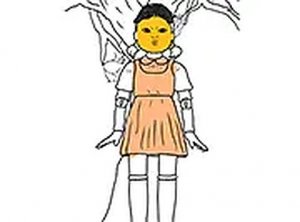
Creative Coloring Fun Online Game is a browser-based coloring activity that offers a relaxing and creative experience for players of all ages. The game provides twelve unique images to color, each with its own theme and design. Players can choose from a vibrant color palette to bring each scene to life, making it a perfect way to unwind and express artistic creativity. The game is designed to be intuitive and accessible, running smoothly on both mobile devices and desktop computers without any downloads required. Whether you are looking for a peaceful pastime or a fun activity to share with family, this game offers hours of artistic enjoyment. The simple interface allows anyone to start coloring immediately, and the ability to adjust brush size and use an eraser tool ensures that every artwork can be refined to perfection. Once finished, players can save or print their completed pieces to share with friends and family. This is a safe, family-friendly activity that encourages focus and creativity in a digital environment.
How to Play
To begin, players select one of the twelve available images to color. Using the color palette, they choose their preferred shades and click on the areas they wish to fill. The game offers an adjustable brush size, allowing for broad strokes on larger areas or finer details on smaller sections. If a mistake is made, the eraser tool can be used to correct it without starting over. The controls are simple and easy to navigate, making the game suitable for both children and adults. Players can color as many images as they like, and when satisfied, they can save or print their work to keep a record of their creativity. The game runs on both mobile devices and desktop computers, so it can be played anytime and anywhere.
Game Features
The game is free to play with no downloads required. It is mobile-friendly and supports full-screen mode for an immersive experience. There are twelve images to color, an adjustable brush size, and an eraser tool for corrections. Players can save or print their finished artwork directly from the game. The interface is designed to be intuitive, making it easy for users of all ages to start coloring immediately.
Tips for Success
Take your time to choose colors that match the mood of each image. Start with larger areas using a bigger brush, then switch to a smaller brush for details. If you make a mistake, use the eraser to correct it without starting over. Experiment with different color combinations to make each picture unique. Save your work regularly so you can return to it later or share it with friends.